 Türkçe
  English
  Deutsch
  Español
  Italiano
  Kiswahili
 Free study app · 6 languages
Solve your book, never lose a question you got stuck on.
Let's Study Book turns your textbook into a step-by-step path with instant feedback, keeps your unsolved questions in a photo notebook, and lets teachers and parents follow homework day by day.
Free · Supported by ads
- Instant feedback
- Photo question notebook
- Daily streaks
- Classes & homework
- languages
- 6
- languages
- countries’ school systems
- 245
- countries’ school systems
- books in the library
- 56
- books in the library
- practice questions
- 7,815
- practice questions
How it works
Four steps from “I’m stuck” to “I’ve got it”
- 1
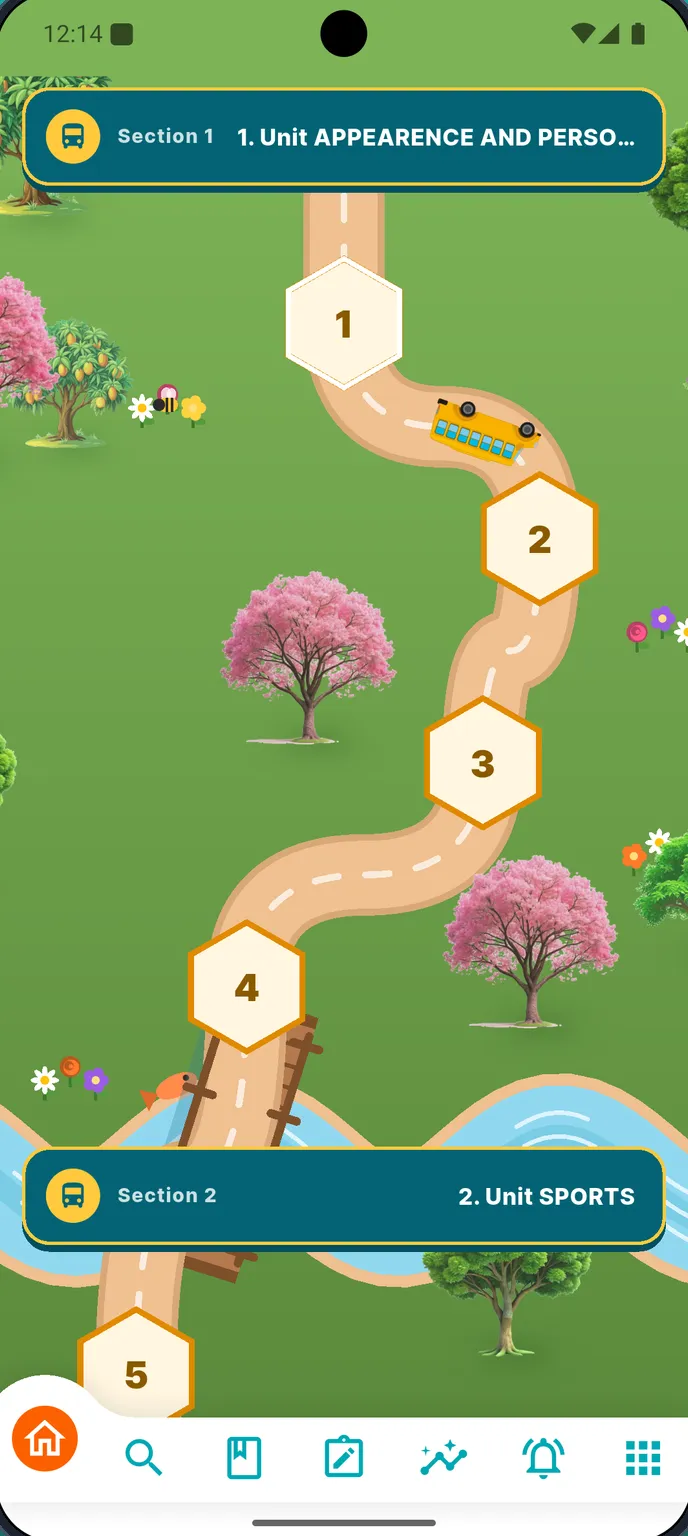
Pick your book
Choose your country, your grade and your book. Units open one after another like a road map.
- 2
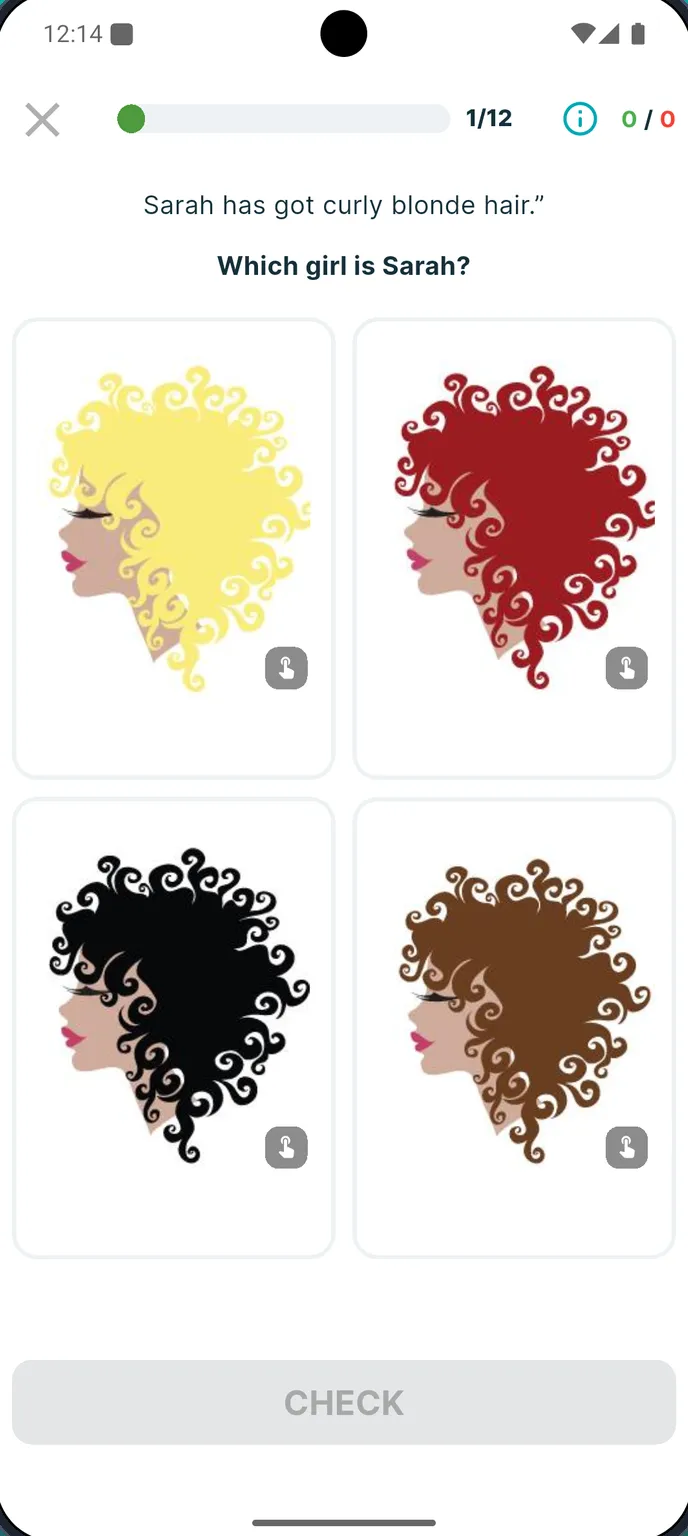
Solve with instant feedback
Every answer is checked on the spot. Wrong ones go back to your list so you try them again.
- 3
Save what you can’t solve
Snap a photo of any question, crop it, add your answer and a note — it waits in your notebook.
- 4
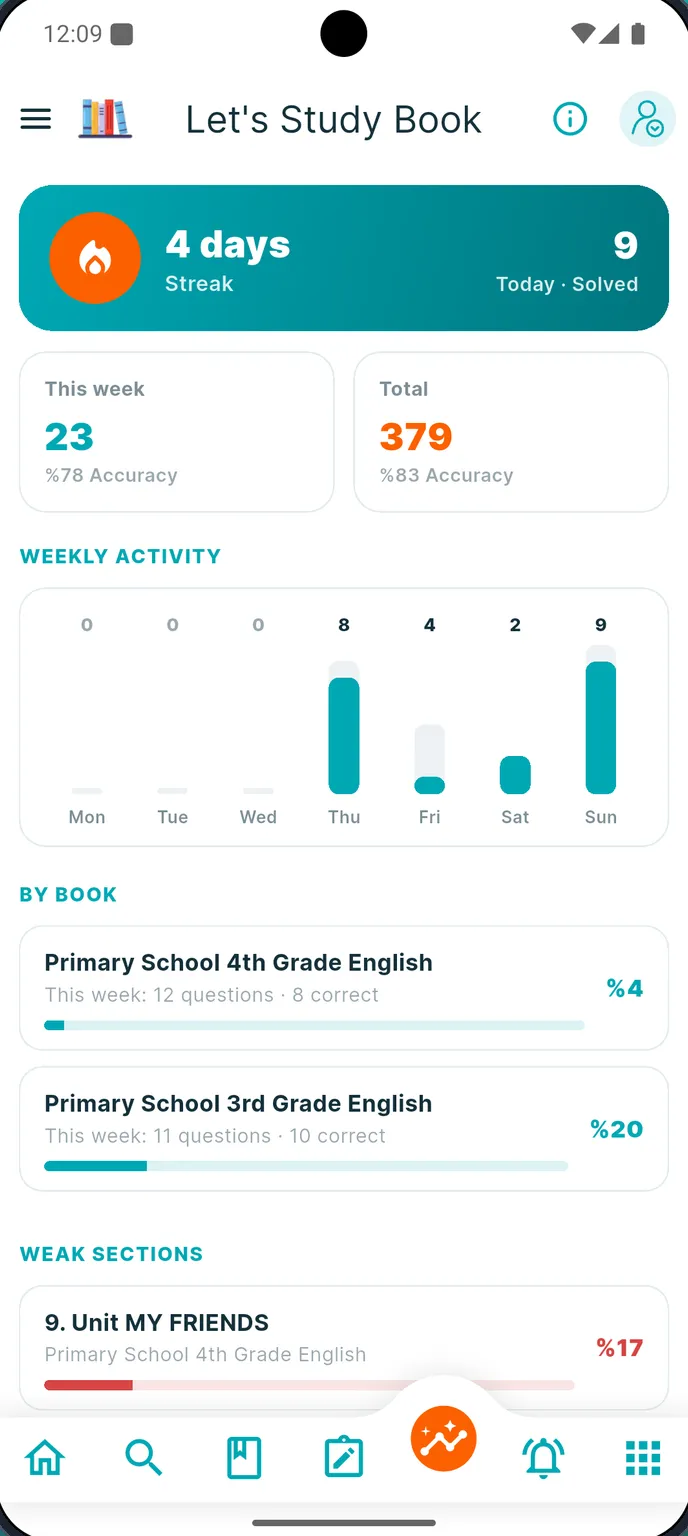
Watch yourself grow
Streaks, weekly charts, accuracy and your weakest units show exactly where to work next.
Everything in one app
Built for real study days
Not another flashcard toy: Let’s Study Book follows the book you actually use at school.
-
Step-by-step book path
Units unlock in order, with topic lessons and tests for every section.
-
Instant answers
See right away whether you were right — and why, with explanations.
-
Question Notebook
Photograph, crop and file the questions you couldn’t solve, from any book.
-
Progress reports
Daily streak, weekly activity, accuracy and progress book by book.
-
Study with friends
Send a tricky question to a friend or teacher and solve it together in a chat.
-
Classes & homework
Teachers give homework with source, page range and due date — and grade it.
-
Parent tracking
Parents link to their child and see homework and feedback day by day.
-
Worldwide
6 app languages and the school systems of 245 countries.
Question Notebook
The question you skipped today is the one on tomorrow’s exam
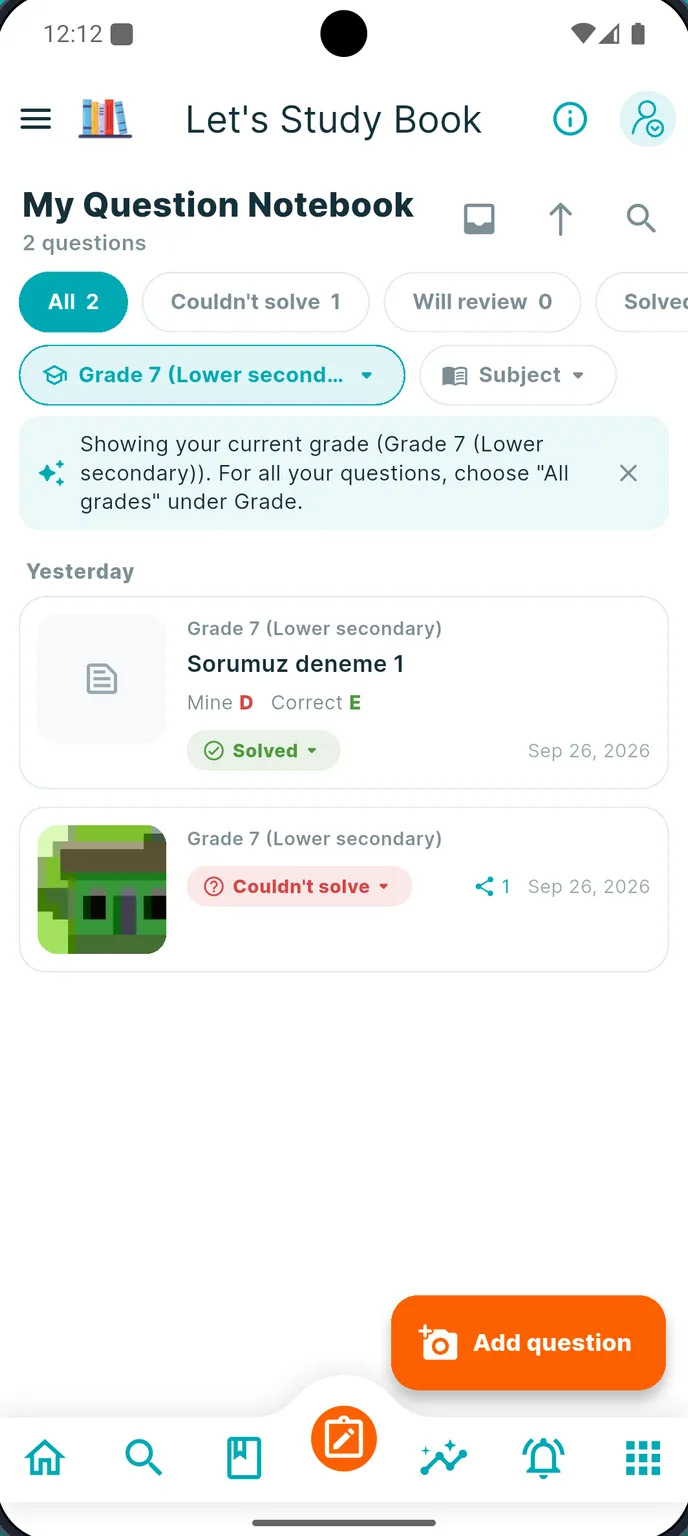
Every student has those questions: the ones you mean to ask about later and then forget. The Question Notebook keeps them safe until you have really solved them.
- Take a photo, crop it and save it in seconds
- Add the options, your answer, the correct answer and a note
- Filter by subject, grade and source
- Mark each one “Couldn’t solve”, “Will review” or “Solved”
- Scan a book’s barcode to add questions from any book
Friends
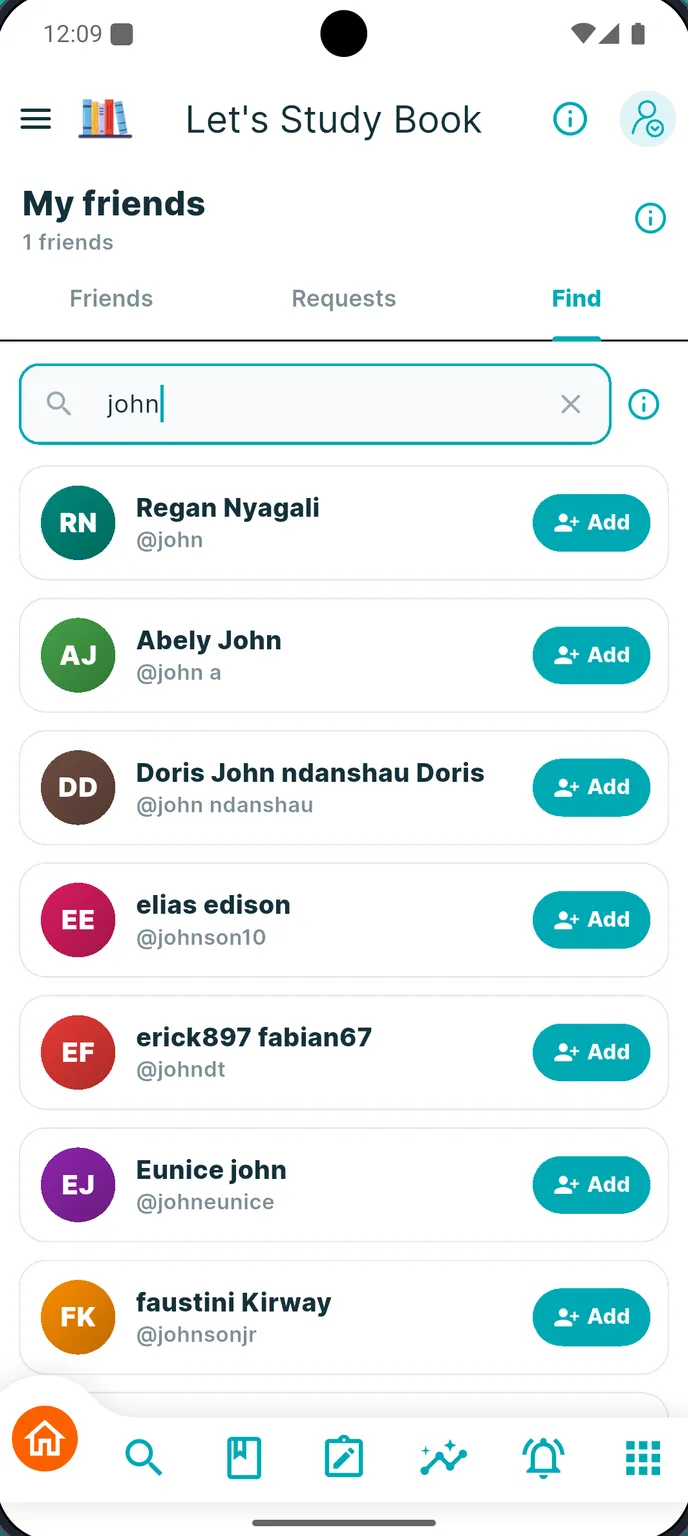
Stuck? Ask a friend — right on the question
Find classmates by name or username, send them the exact question you are stuck on and chat about it one-to-one. Share a photo of your solution in the same thread.
For teachers
Homework you can actually follow
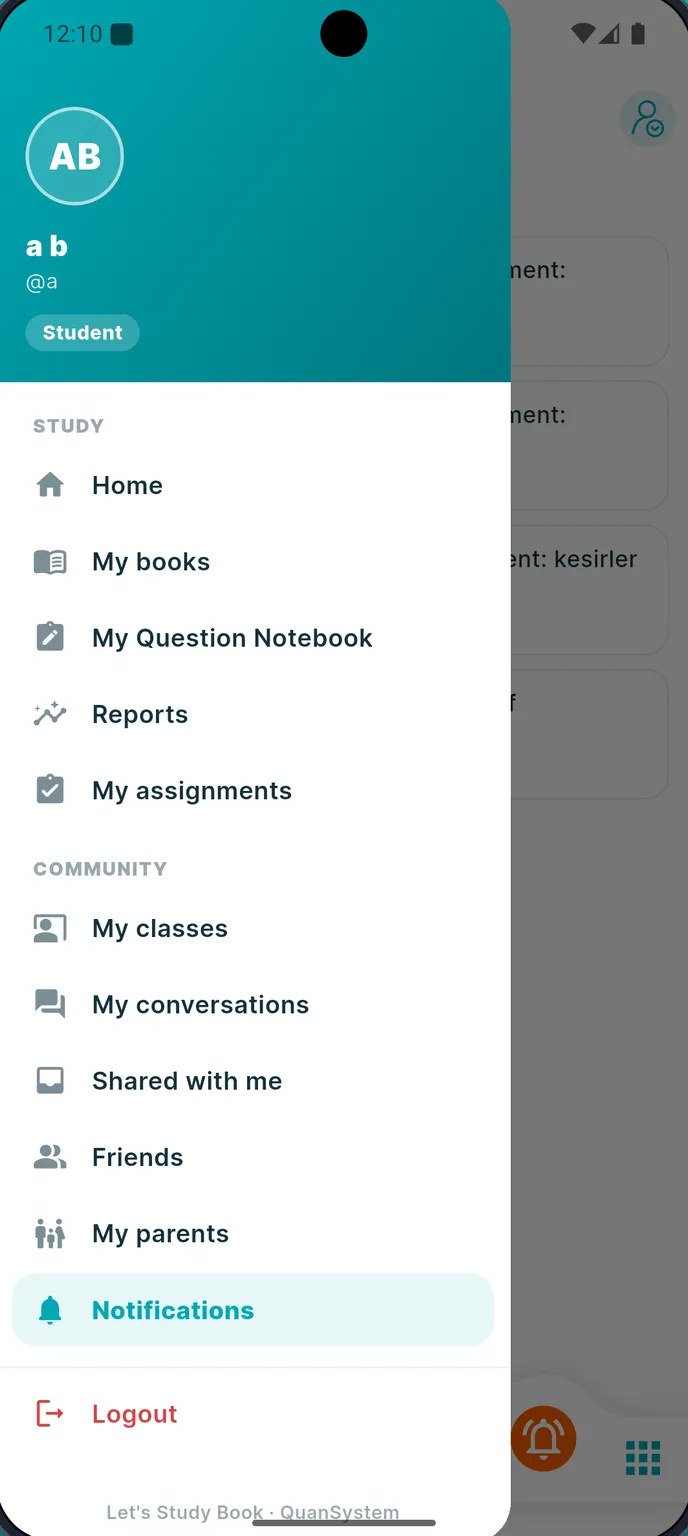
Approved teachers open classes, invite students, post announcements and assign homework with a source, page range and due date. Students tap “I did it”; teachers mark it “Complete”, “Incomplete” or “Not done”.
For parents
See your child’s study day — without nagging
Link to your child’s account with a code or a request. See homework, teacher feedback and anything late, day by day, and get a notification when something new arrives.
Library
Books waiting for you
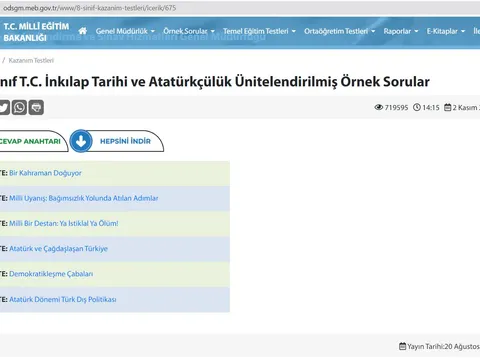
From primary-school English to Tanzania’s Form 1–4 secondary subjects — each with units, topic lessons and practice tests.



Study guides
Learn how to study smarter
Practical, research-based tips for students, teachers and parents.
FAQ
Questions people ask
Is Let’s Study Book free?
Yes. The app is free to download and use. It is supported by ads.
Which devices does it work on?
Let’s Study Book is available for Android phones and tablets on Google Play.
Which languages does the app support?
Turkish, English, German, Spanish, Italian and Swahili. You can change the language at any time in Settings.
Which books are in the library?
Primary and middle-school books (for example English for grades 3–7 and science) and the full Tanzania secondary syllabus for Form 1–4: Mathematics, Biology, Chemistry, Physics, Geography, History, Civics, Commerce, Book Keeping, Computer Studies, English and Kiswahili. New books are added regularly.
What is the Question Notebook?
A digital notebook for the questions you couldn’t solve. You photograph a question, crop it, add your answer, the correct answer and a note, and mark it “Couldn’t solve”, “Will review” or “Solved”.
Can I add questions from books that are not in the app?
Yes. The Question Notebook works with any book, test paper or worksheet. You can also scan a book’s barcode to record where a question comes from.
Your book is waiting. Start today.
Free to download. Works on Android phones and tablets.